
Stacy & Tommy
Hi Stacy and Tommy! We hope you are doing well! Thank you so much for your patience. We are excited to share the first draft of your album design!
Please review each page and add comments if you would like changes. When you have finished your comments, please hit the enter key to post it. Otherwise, if you are happy with the design, please click the "Approve Album" to the right of the comment box on any page spread.
Thank you,
Winston
spread 2 is fine as is 2016-12-31 17:41:35
spread 3 is fine as is 2016-12-31 17:48:36
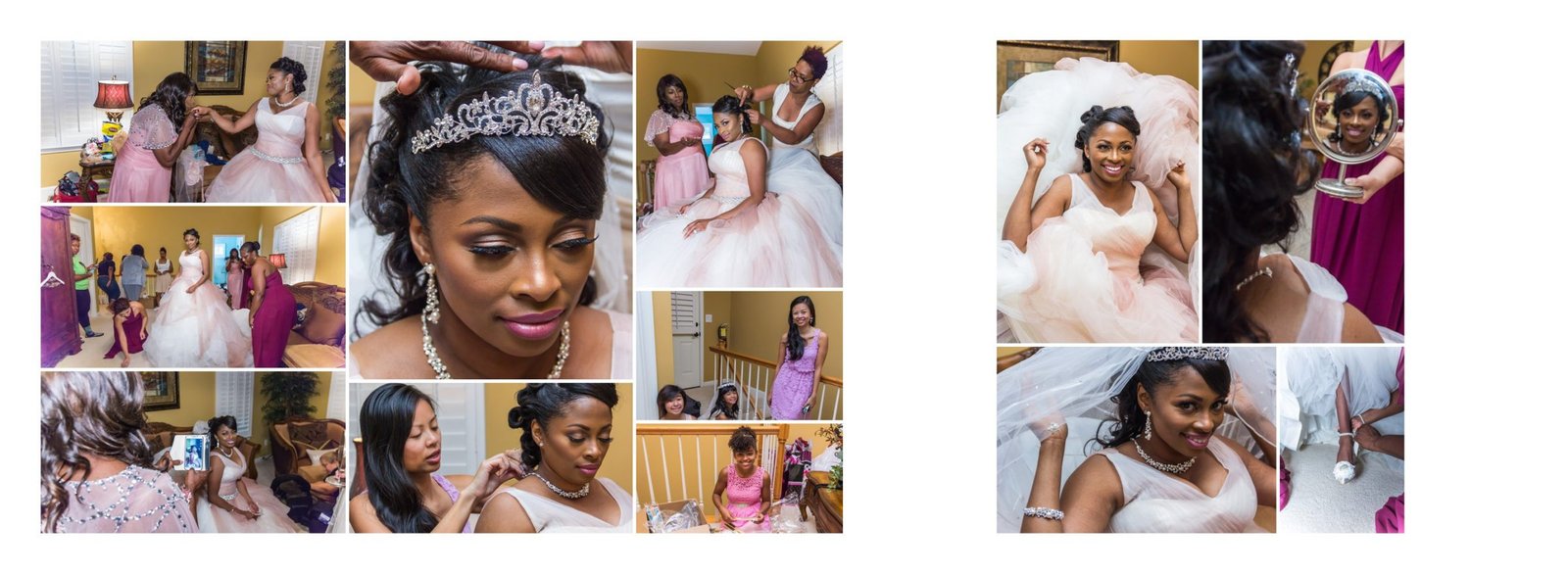
on the left side of spread, 3rd column, middle pic of 3 ladies, is it possible to make it so the top of Linda's head isn't cut off? Regarding the right side of the spread, the small pic in the bottom right corner, can you replace it with pic614 or 615 of my leg/shoe? You may have to crop and enlarge. 2016-12-31 19:20:44
Done! 2017-01-02 01:37:12
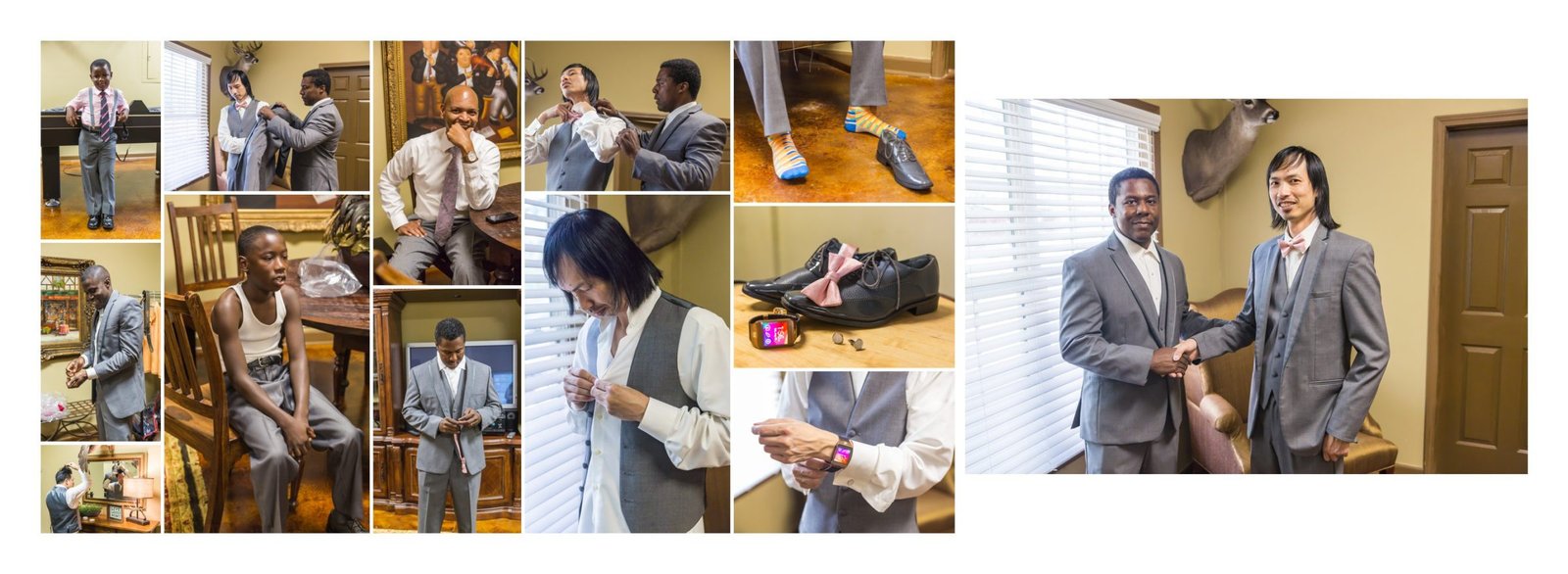
In column 2, please delete pic of shoes and cufflinks and replace with a larger pic of the top pic on column 4 (pic with shoes, tie, cufflinks and watch) 2016-12-31 17:22:43
I think the confusion is here: delete the individual pics of shoes, individual pic of watch, individual pic of bowtie and individual pic of cufflinks and just use the one pic with all 4 of the items in the same picture. This will allow the other photo with everything in it to be larger 2016-12-31 17:28:10
Done! 2017-01-02 01:40:00
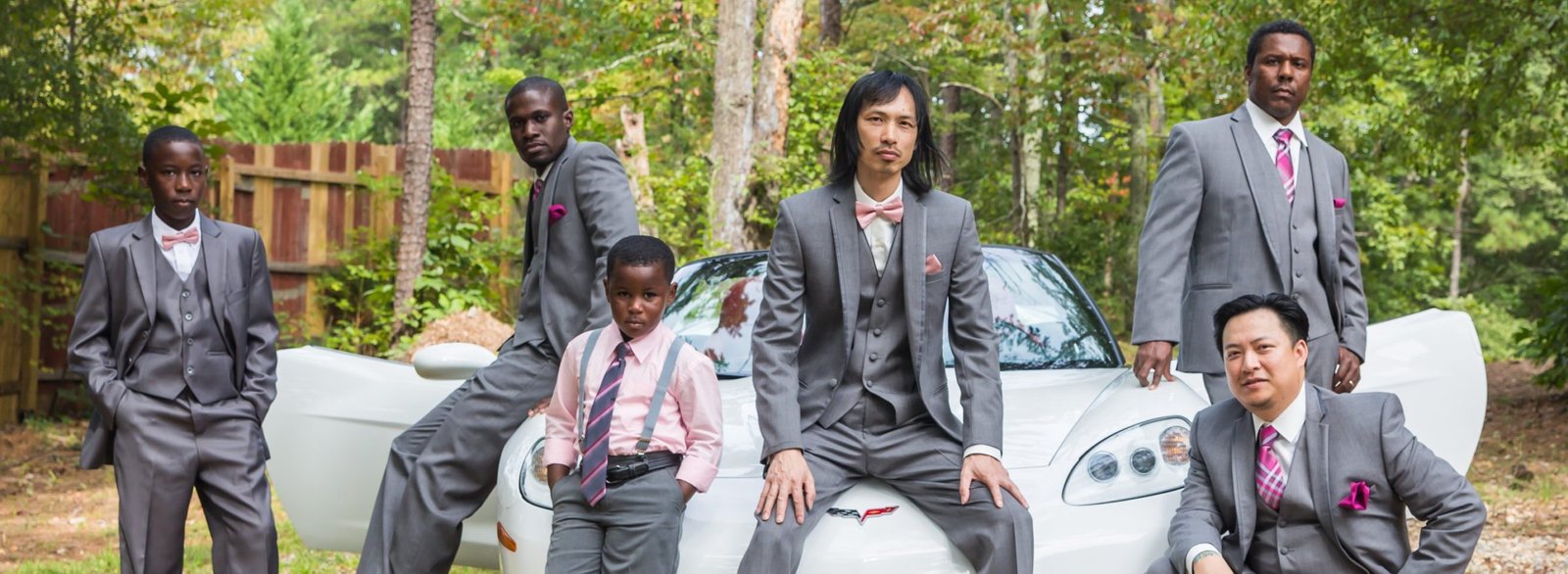
is there anything you can do to shade in the left side of Tommy's forehead? 2016-12-31 19:25:56
Done! 2017-01-02 02:23:25
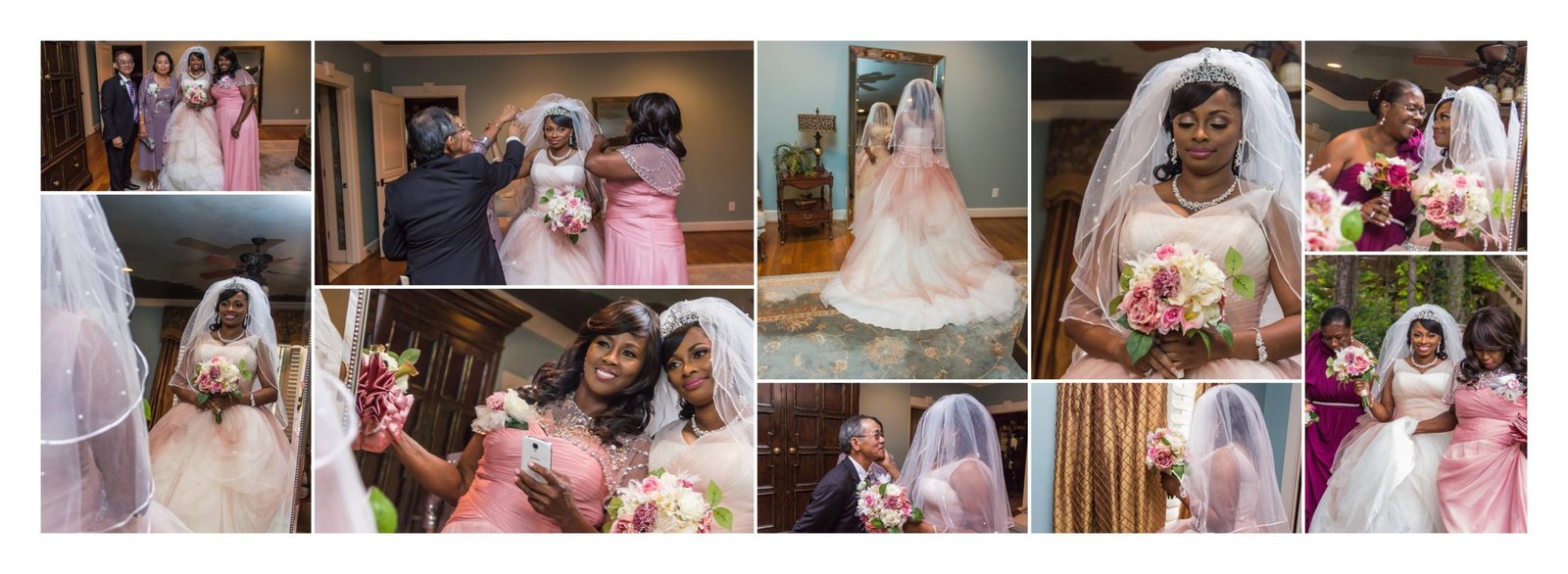
5th column, top pic, if possible crop then enlarge pic to show pic of michelle and I and center the photo to us, even though its a reflection. 2016-12-31 20:33:55
Done! 2017-01-02 02:17:19
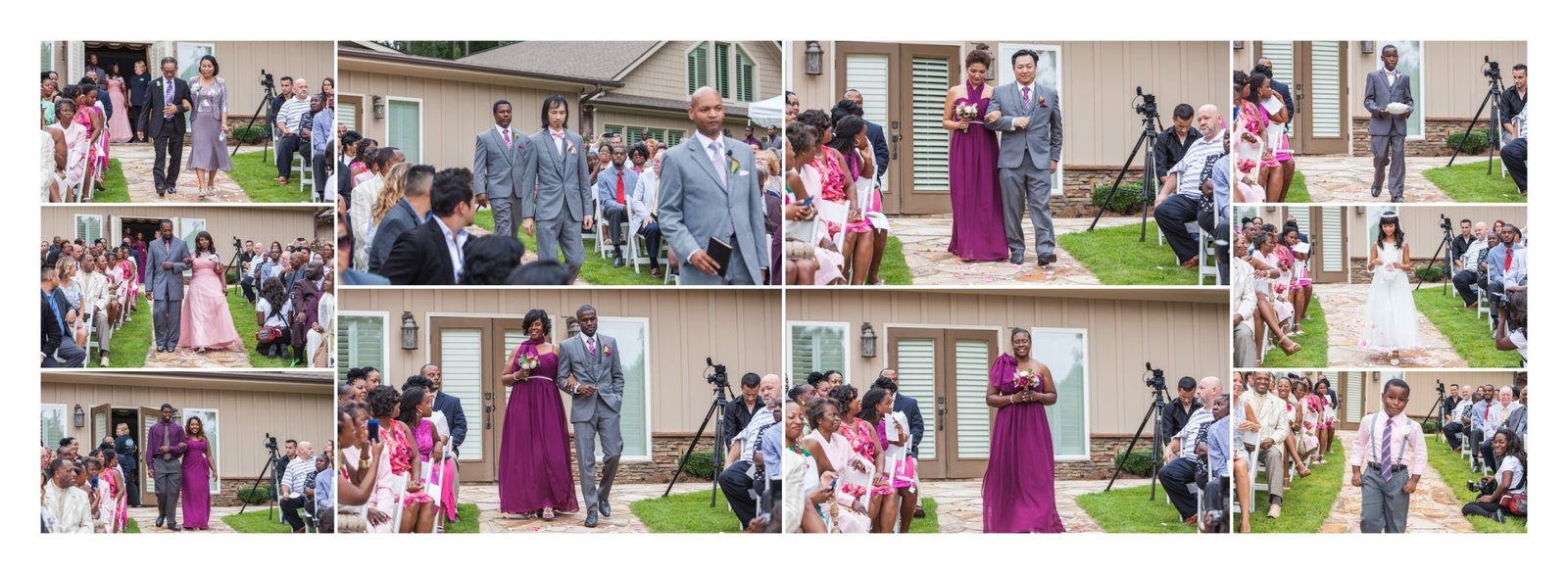
spread 8 fine as is 2016-12-31 20:39:01
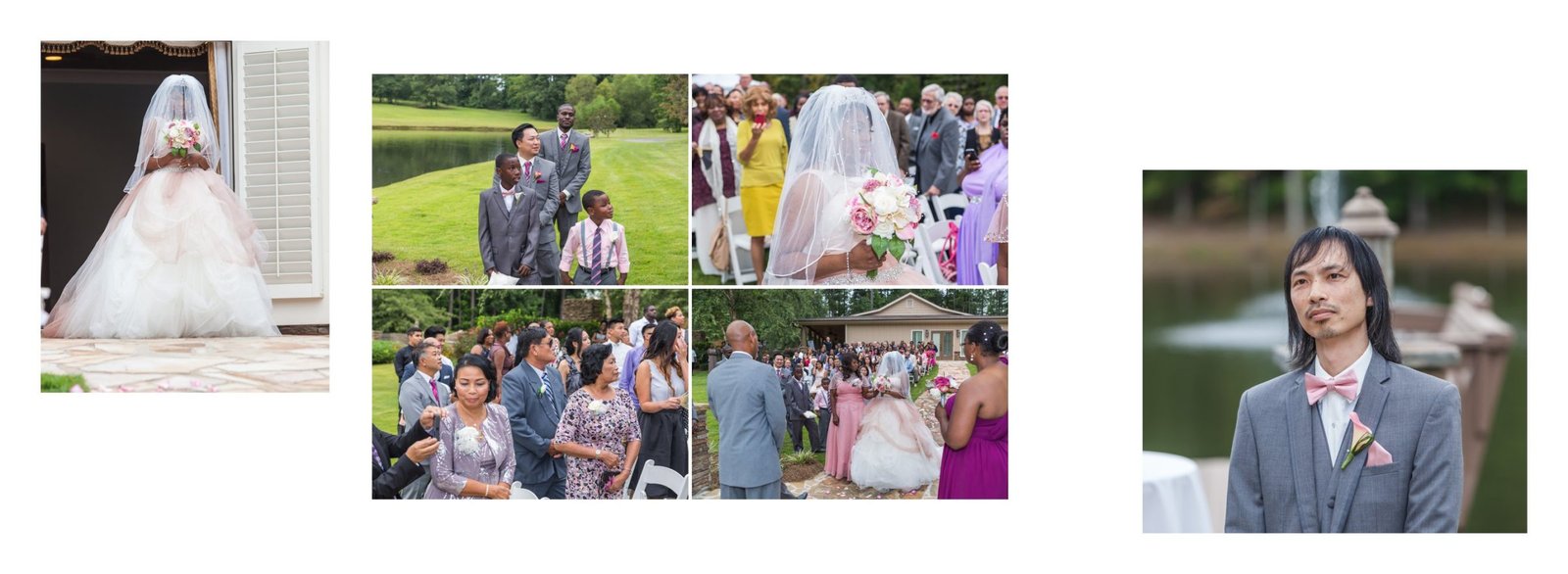
Crop pic of tommy on right to cut out the 2 shoulders of the groomsmen 2016-12-31 20:52:09
Crop pic of tommy on right to cut out the 2 shoulders of the groomsmen 2016-12-31 20:52:09
Done! 2017-01-02 01:44:46
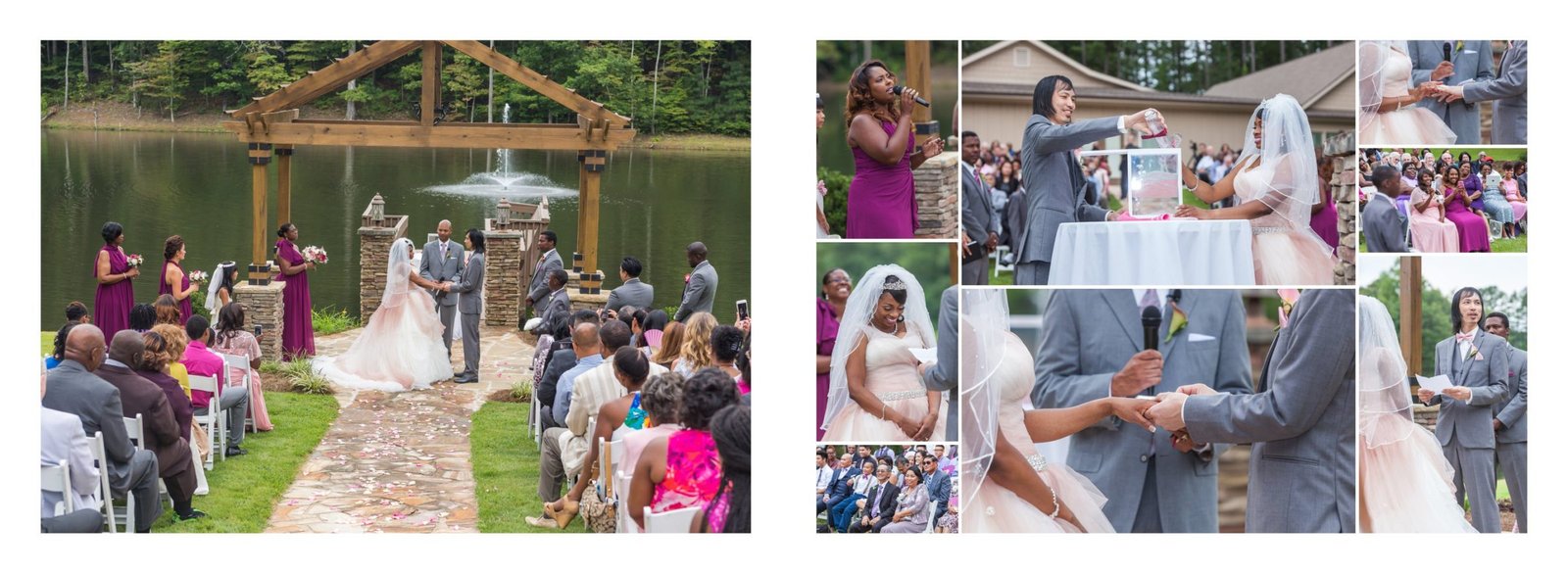
spread 10 fine as is 2016-12-31 21:02:35
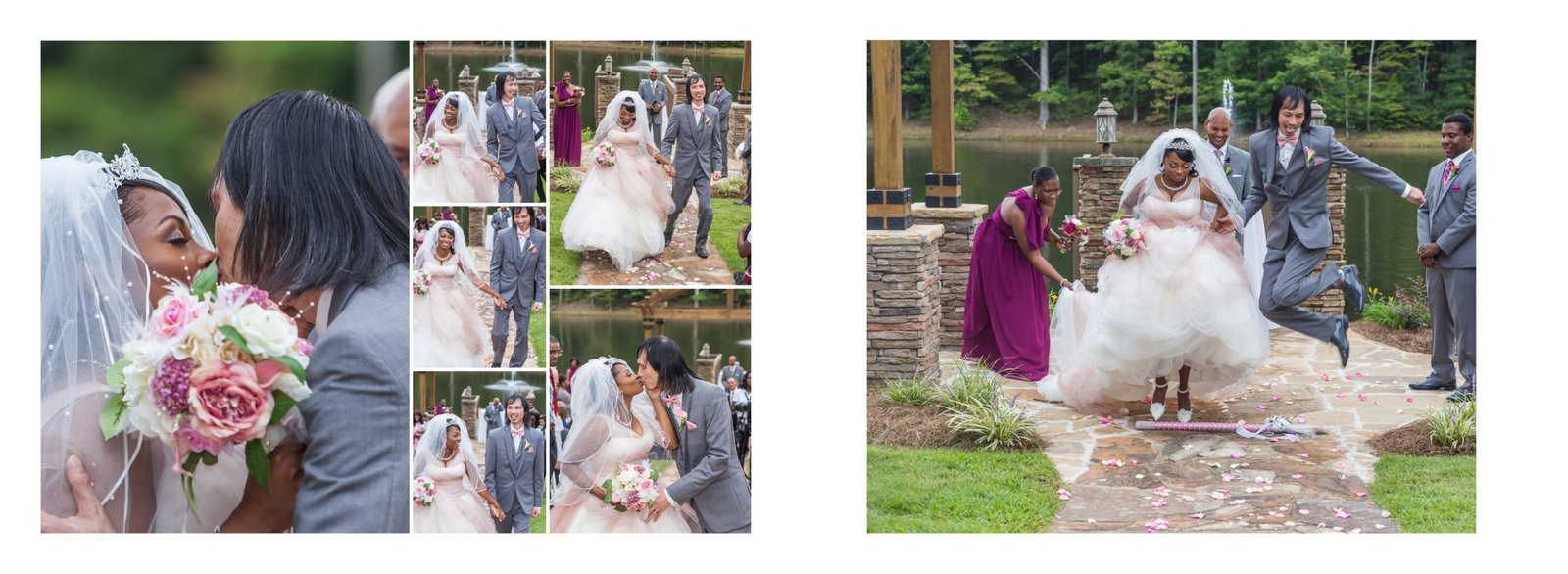
Large pic on right, crop out mom's arm/phone/dress 2016-12-31 21:10:58
Done! 2017-01-02 01:47:01
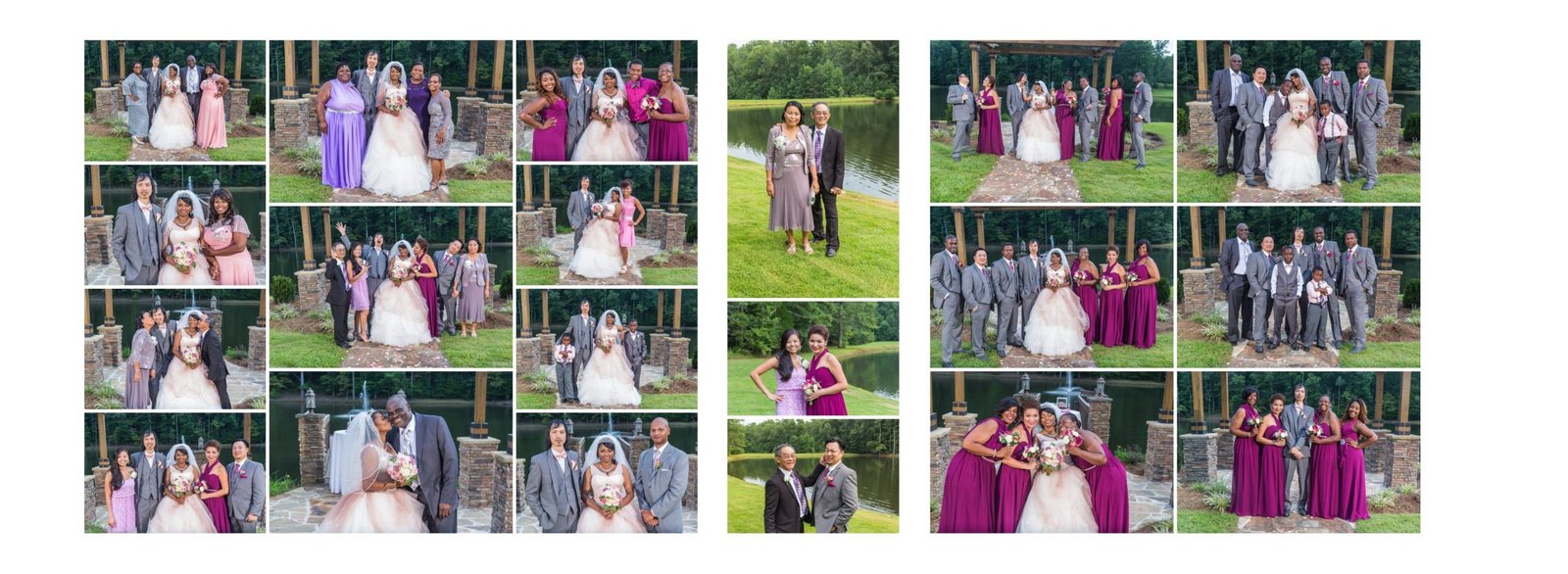
To eliminate some of the white space on both sides of the 2 column spread on the right, please add a center column of the following pics 193, 183, and 179 2016-12-31 21:48:12
Done! 2017-01-02 01:54:11

spread 13 fine as is 2016-12-31 21:48:48
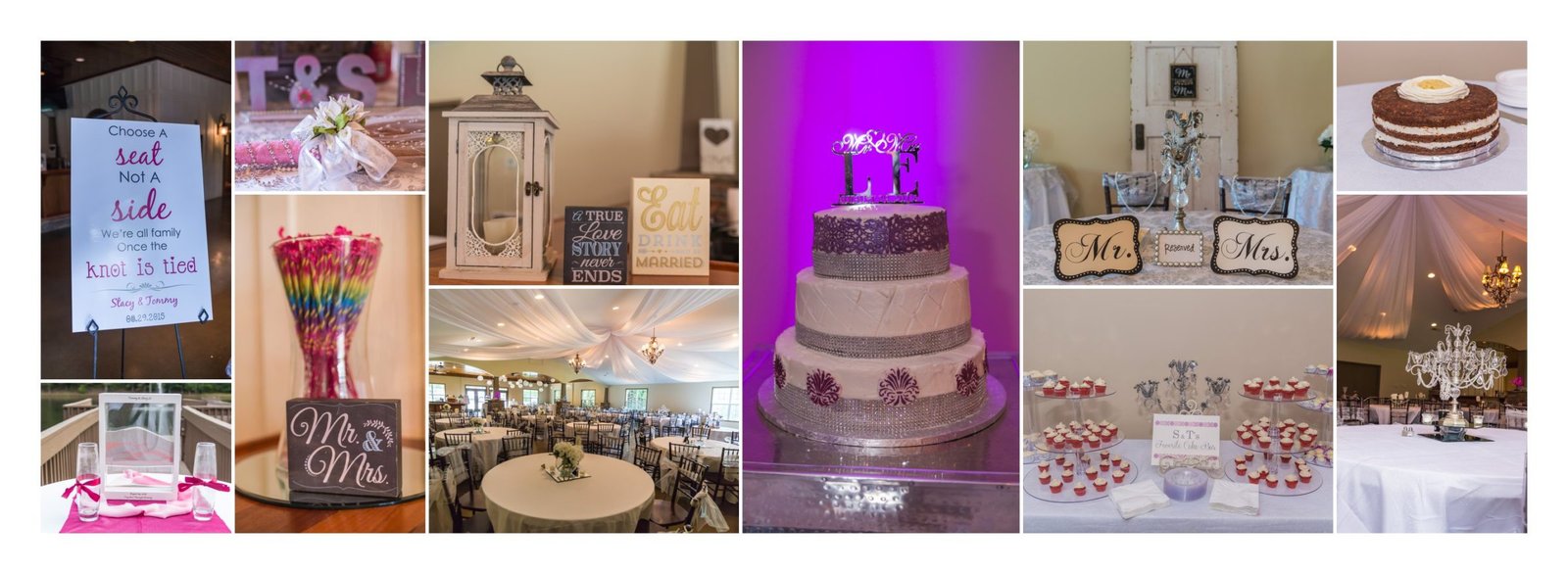
1st column, top pic-delete top pic so that bottom pic in first column can be larger/taller 2016-12-31 21:52:55
Done! 2017-01-02 01:54:54
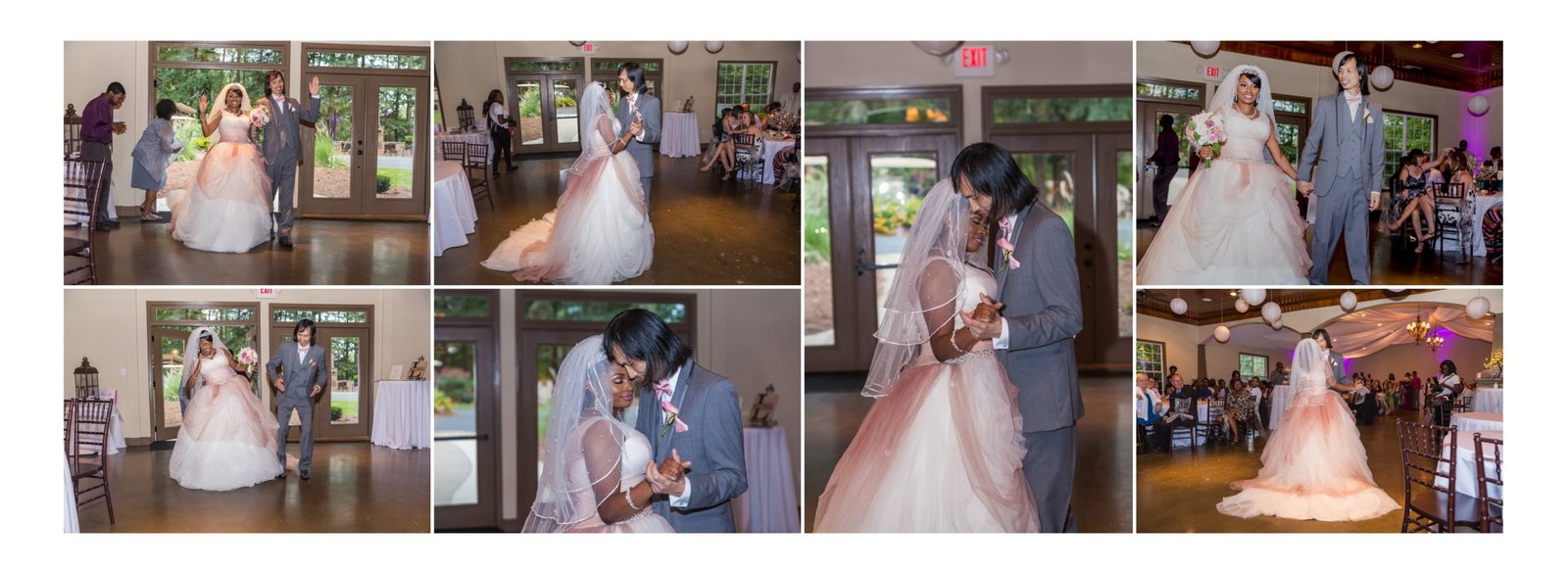
Column 2 bottom pic, photoshop Tommy's bald spot; Column 3 only pic, photoshop Tommy's bald spot 2016-12-31 21:59:07
Done! 2017-01-02 02:29:18
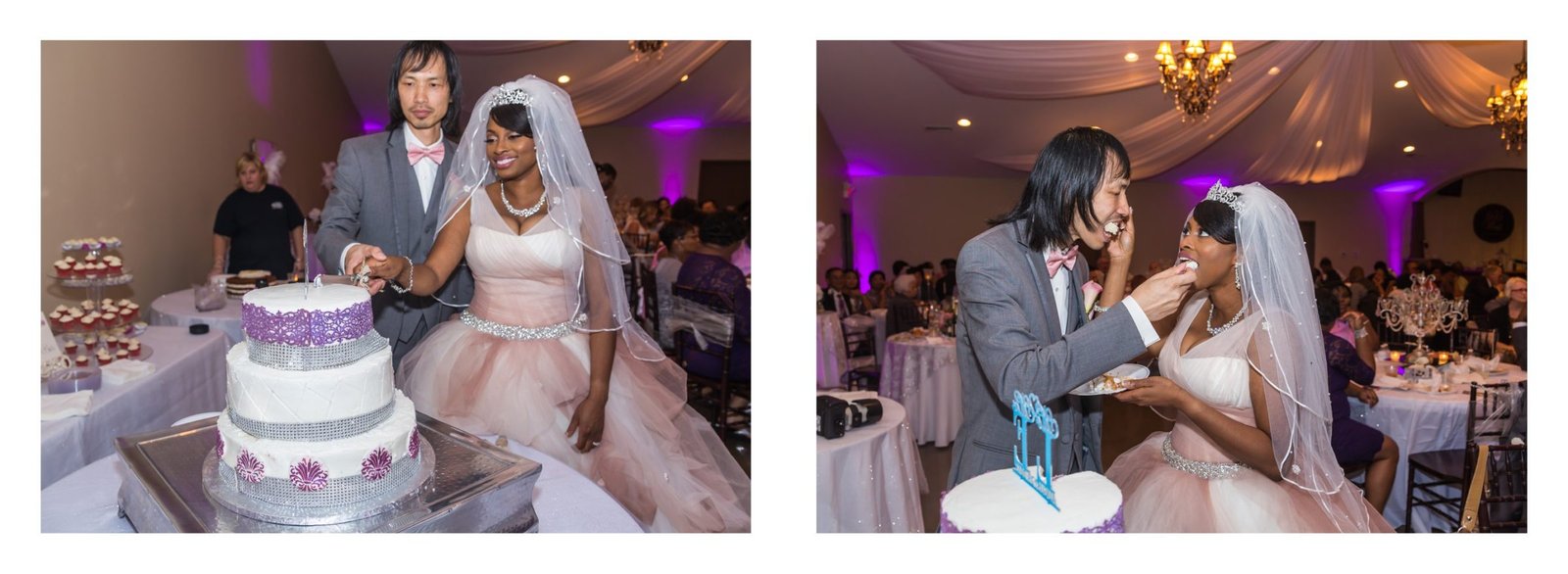
spread 16 fine as is 2016-12-31 23:12:32
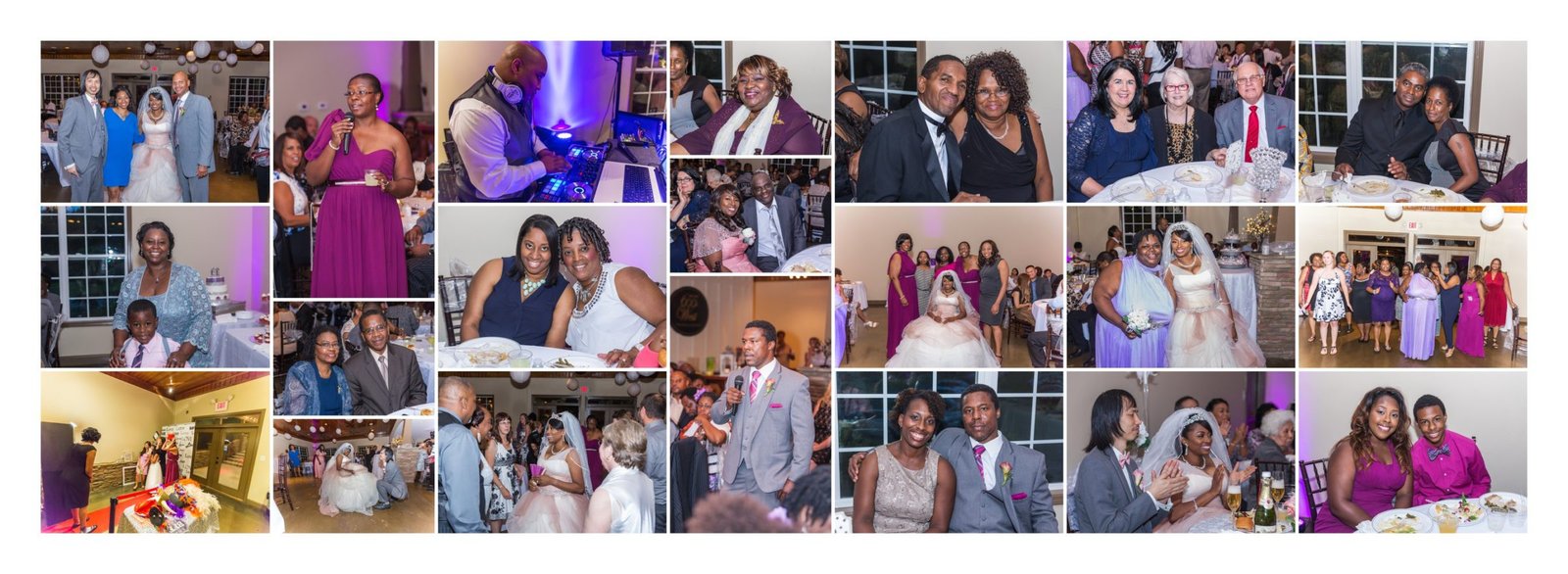
spread 17 fine as is 2016-12-31 23:11:38
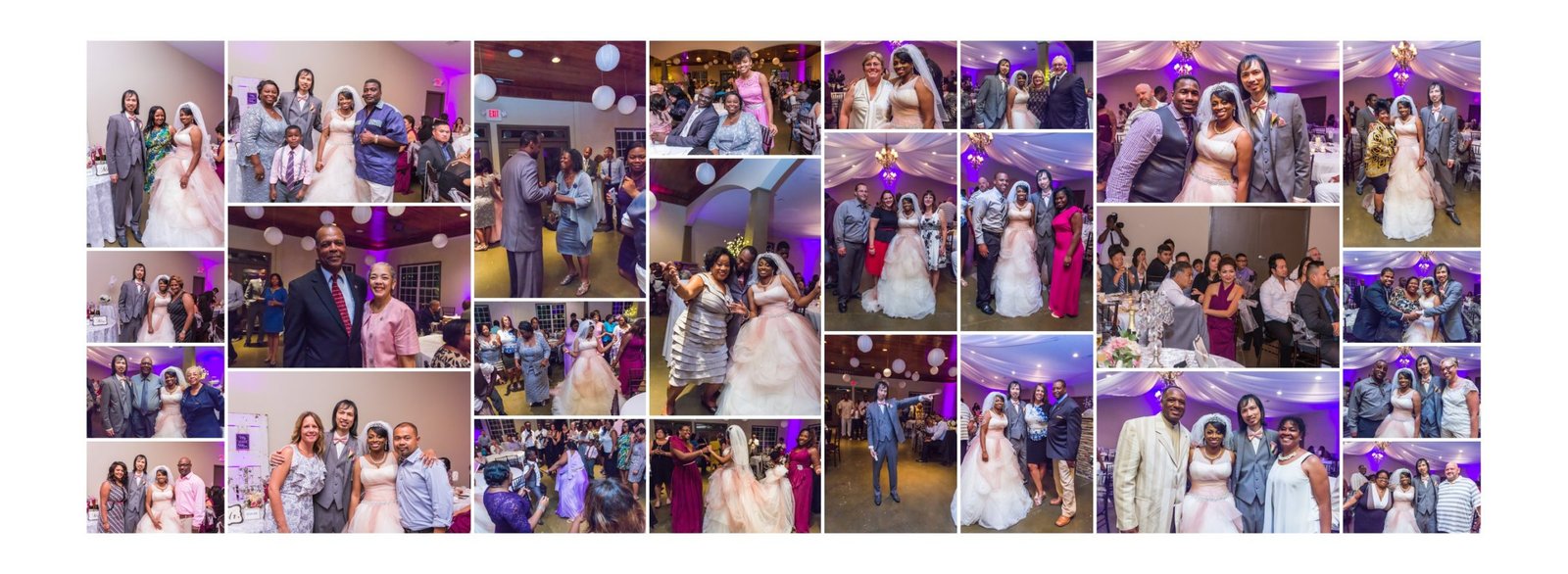
Column 2-move bottom pic to center pic in same column. Take the current center pic of column 2 and move it to column 1, 3rd pic down so it is smaller. Take the 3rd pic down on column 1 and put in column 2 as the bottom pic so it is larger.4th column-delete top pic and replace with pic 226, 5th column delete bottom pic and replace with pic 264, Column 7 swap middle photo for the bottom photo in column 8 so it is larger and put the middle photo of column 7 at the bottom of column 8 2016-12-31 23:03:27
Done! 2017-01-02 02:01:41
2 pics are in the wrong place. I believe there was a misunderstanding on some of the directions. Would you still charge to reposition 2 pics? if no charge due to misunderstanding then we Need to swap center pic on column 2 with bottom pic of column 4. otherwise album is perfect. 2017-01-05 23:07:55
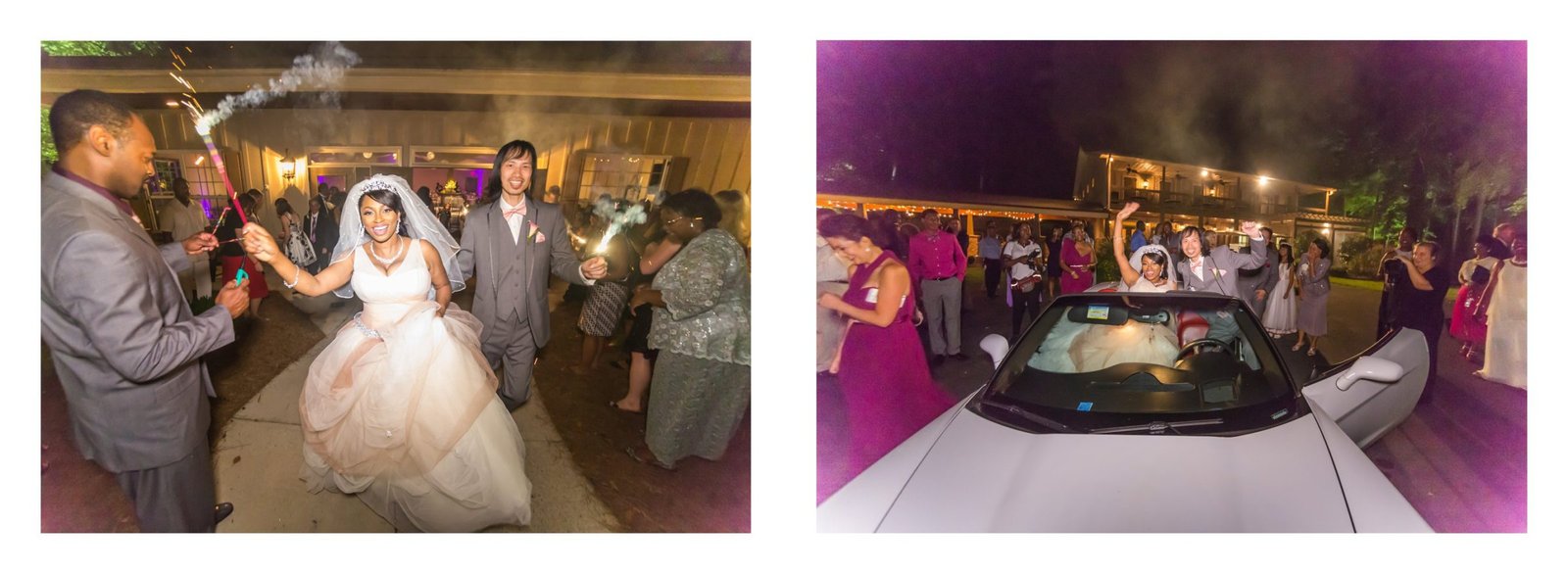
spread 19 fine as is 2016-12-31 23:10:22
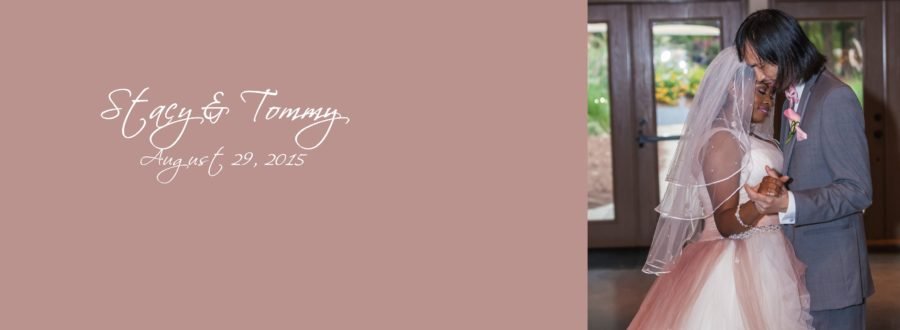
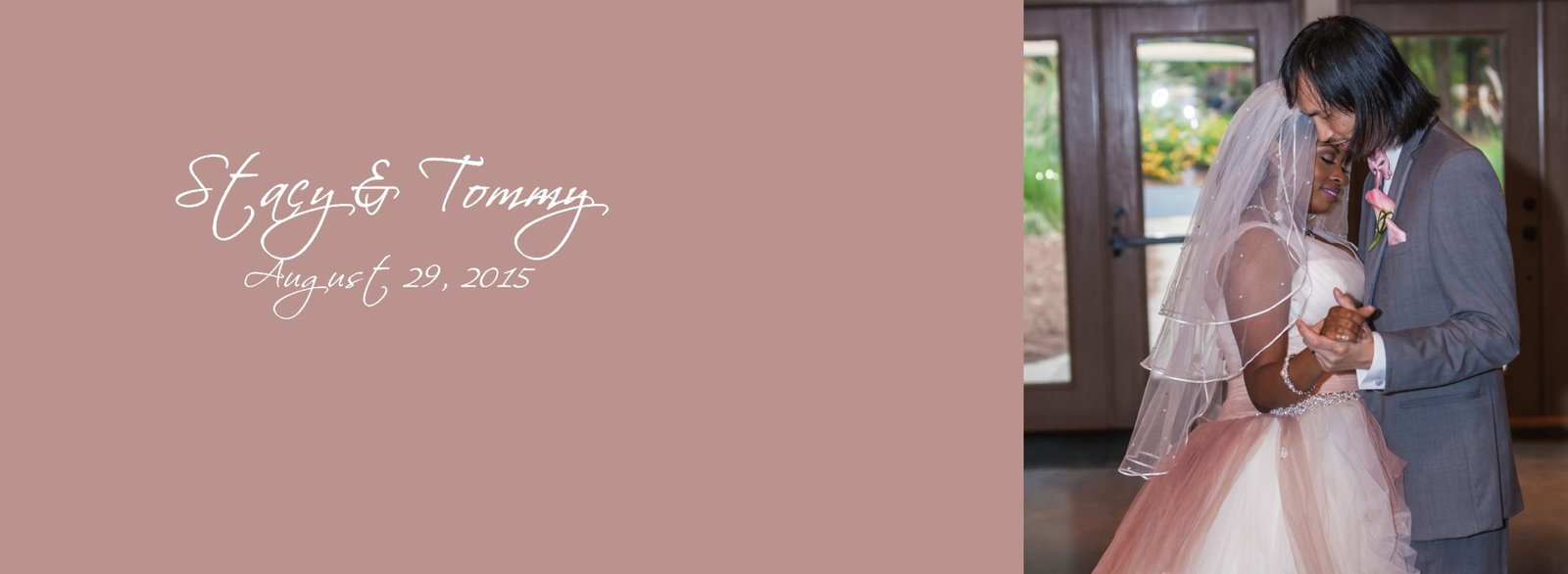
We can still see Tommy's bald spot on this cover pic, can that be photoshopped or not? 2016-12-31 17:37:31
We remember you saying that you weren't going to photoshop 400 pictures, which is why we asked you if you could just do the ones where the photo was enlarged. You said you could and this is one of those. 2016-12-31 17:54:23
Done! 2017-01-02 02:25:30
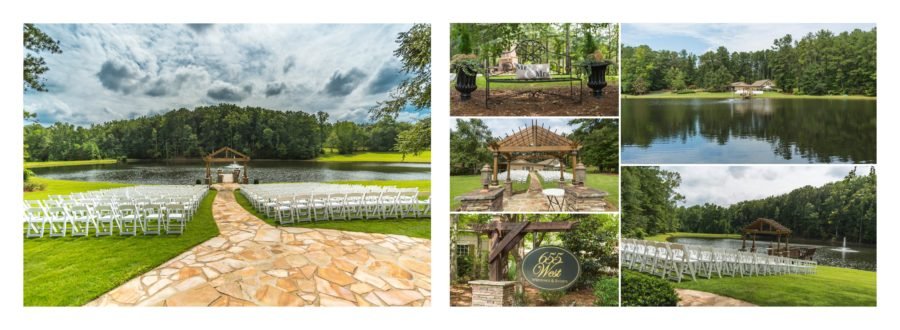
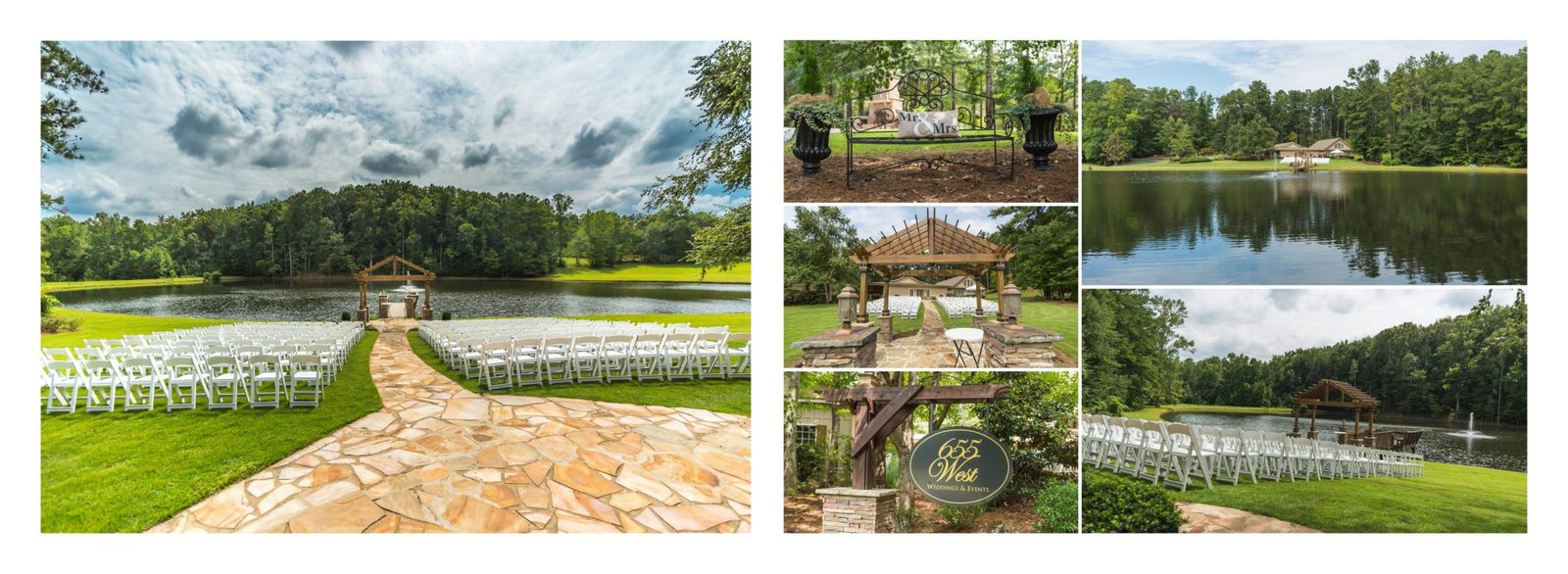
spread 2 is fine as is 2016-12-31 17:41:35
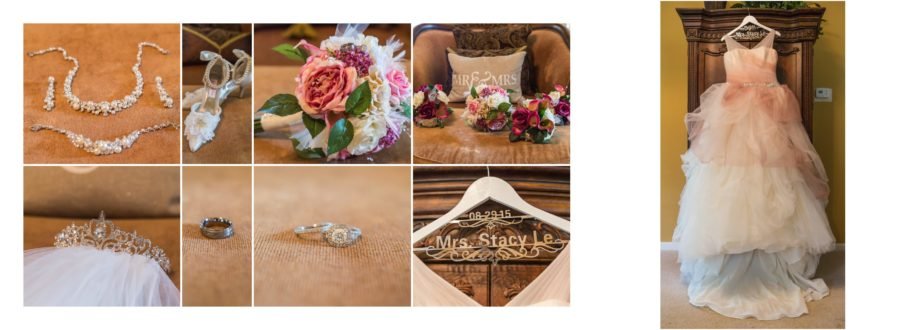
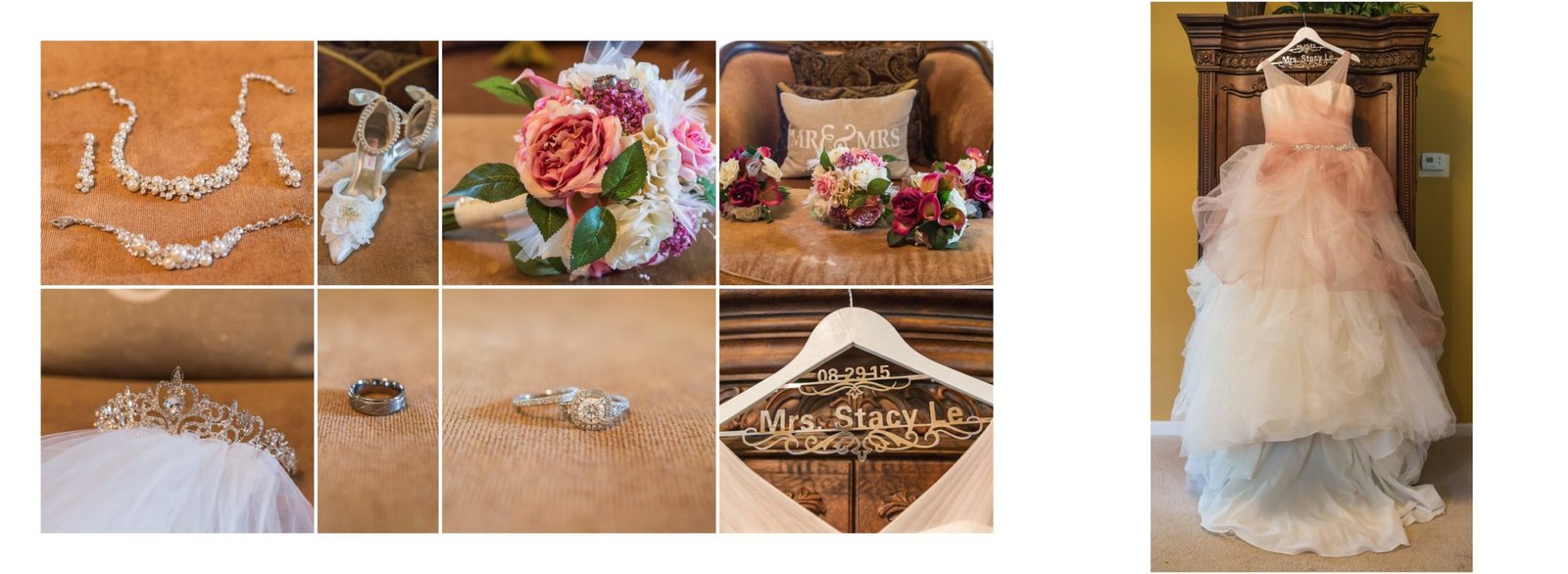
spread 3 is fine as is 2016-12-31 17:48:36
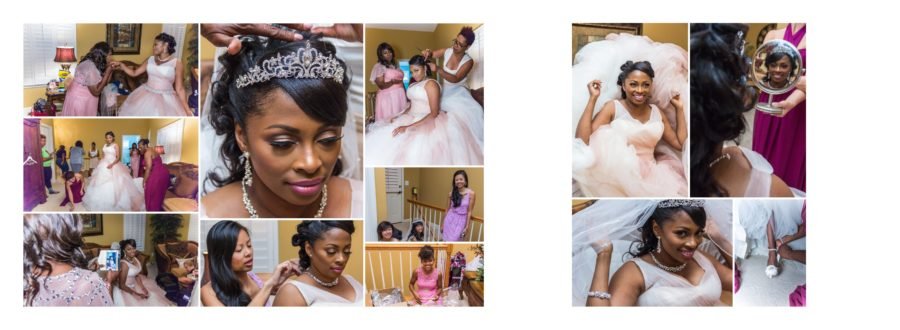
on the left side of spread, 3rd column, middle pic of 3 ladies, is it possible to make it so the top of Linda's head isn't cut off? Regarding the right side of the spread, the small pic in the bottom right corner, can you replace it with pic614 or 615 of my leg/shoe? You may have to crop and enlarge. 2016-12-31 19:20:44
Done! 2017-01-02 01:37:12
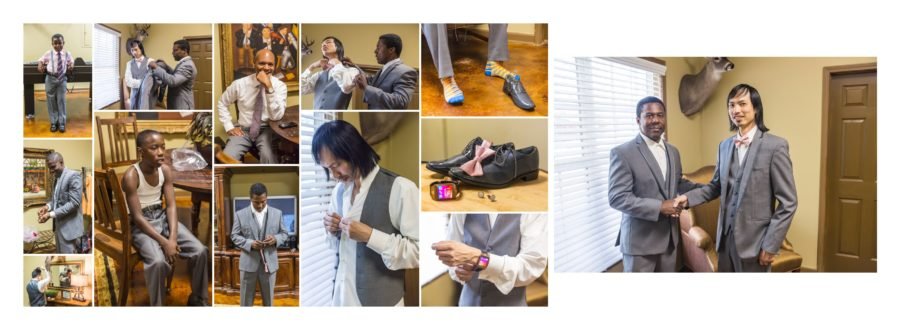
In column 2, please delete pic of shoes and cufflinks and replace with a larger pic of the top pic on column 4 (pic with shoes, tie, cufflinks and watch) 2016-12-31 17:22:43
I think the confusion is here: delete the individual pics of shoes, individual pic of watch, individual pic of bowtie and individual pic of cufflinks and just use the one pic with all 4 of the items in the same picture. This will allow the other photo with everything in it to be larger 2016-12-31 17:28:10
Done! 2017-01-02 01:40:00
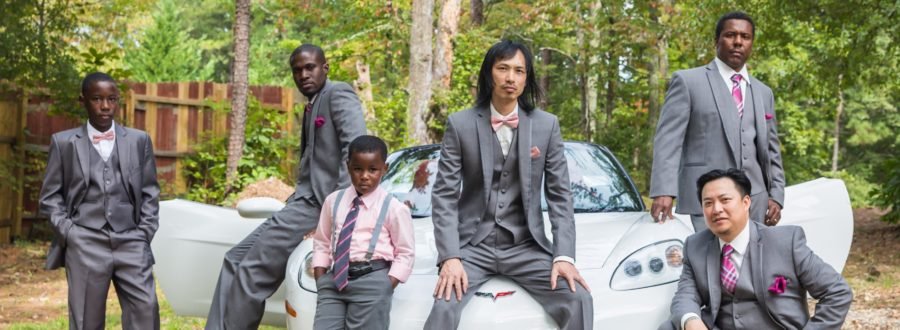
is there anything you can do to shade in the left side of Tommy's forehead? 2016-12-31 19:25:56
Done! 2017-01-02 02:23:25
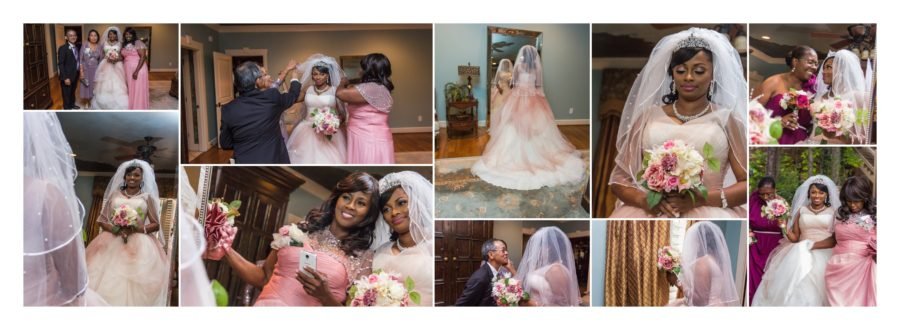
5th column, top pic, if possible crop then enlarge pic to show pic of michelle and I and center the photo to us, even though its a reflection. 2016-12-31 20:33:55
Done! 2017-01-02 02:17:19
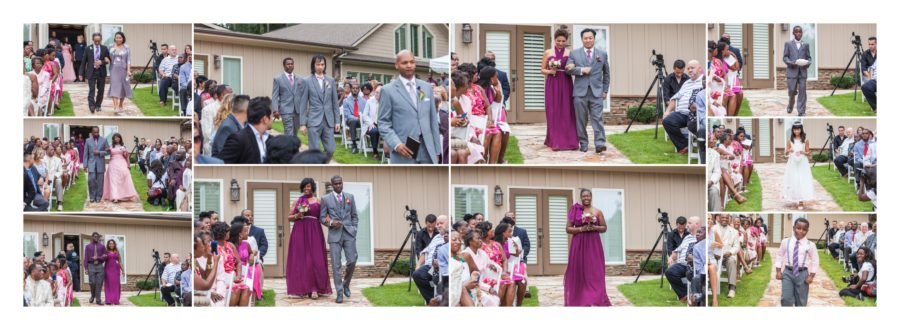
spread 8 fine as is 2016-12-31 20:39:01
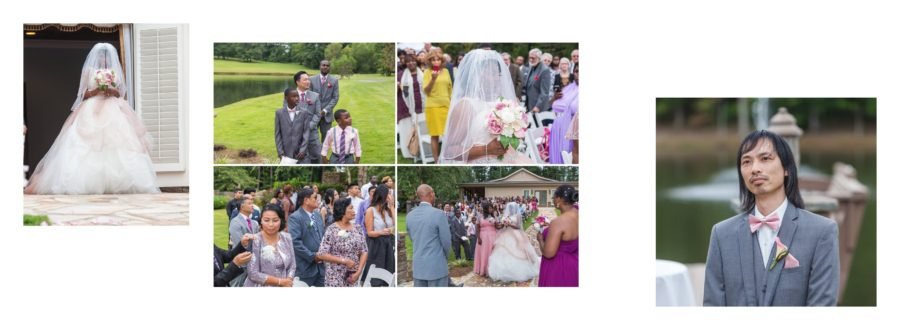
Crop pic of tommy on right to cut out the 2 shoulders of the groomsmen 2016-12-31 20:52:09
Crop pic of tommy on right to cut out the 2 shoulders of the groomsmen 2016-12-31 20:52:09
Done! 2017-01-02 01:44:46
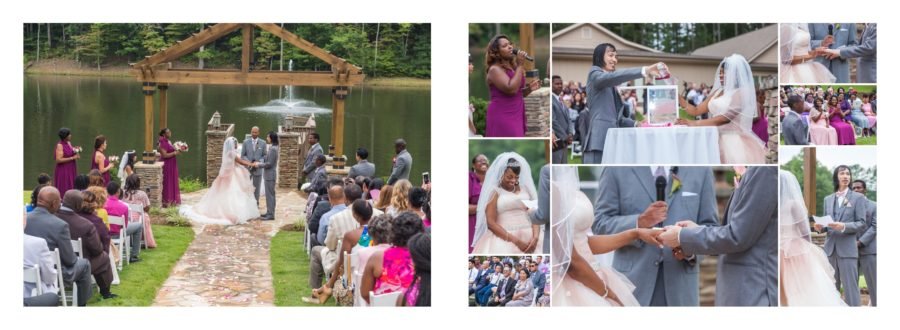
spread 10 fine as is 2016-12-31 21:02:35
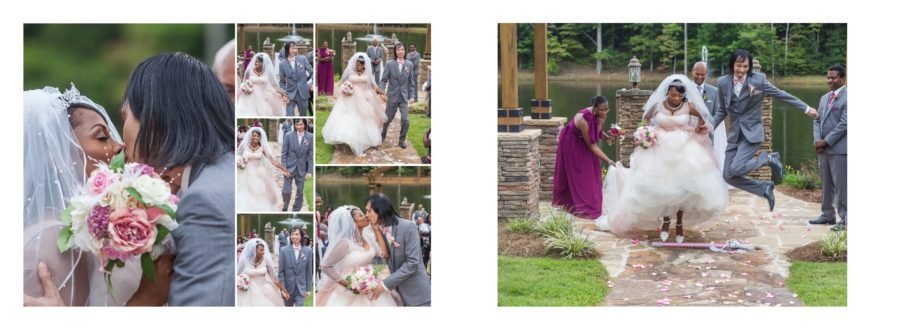
Large pic on right, crop out mom's arm/phone/dress 2016-12-31 21:10:58
Done! 2017-01-02 01:47:01
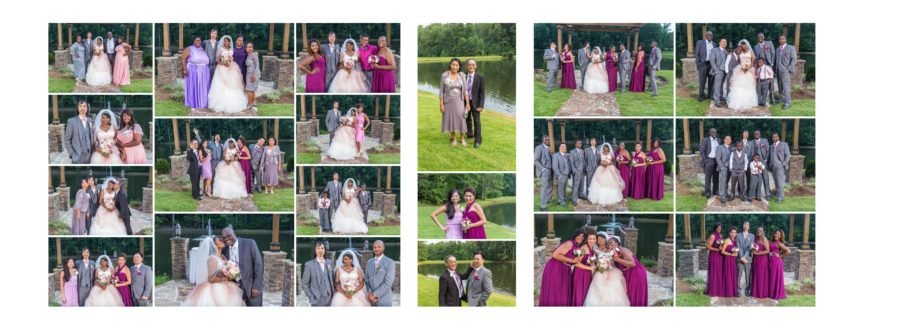
To eliminate some of the white space on both sides of the 2 column spread on the right, please add a center column of the following pics 193, 183, and 179 2016-12-31 21:48:12
Done! 2017-01-02 01:54:11

spread 13 fine as is 2016-12-31 21:48:48
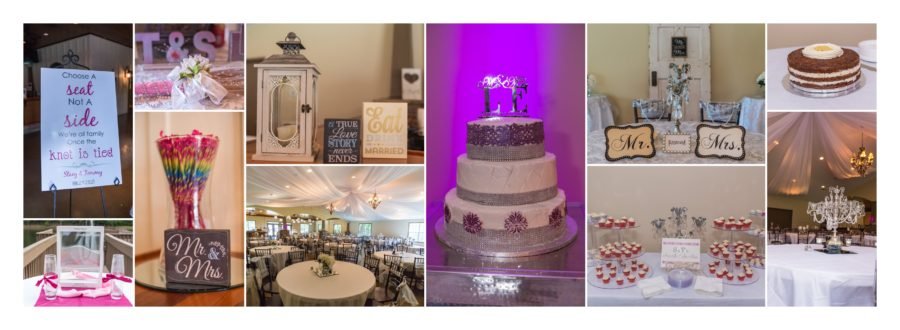
1st column, top pic-delete top pic so that bottom pic in first column can be larger/taller 2016-12-31 21:52:55
Done! 2017-01-02 01:54:54
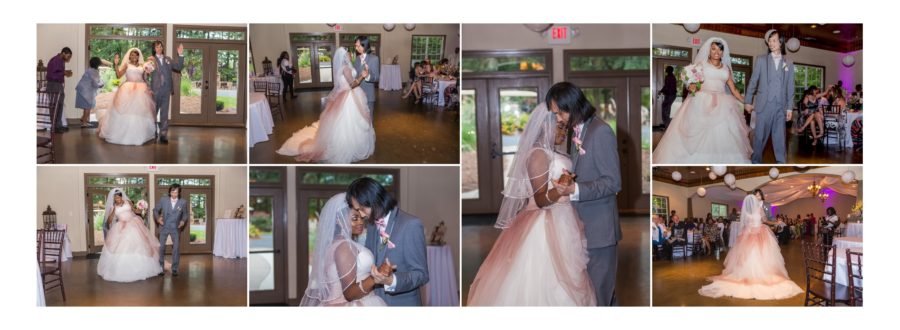
Column 2 bottom pic, photoshop Tommy's bald spot; Column 3 only pic, photoshop Tommy's bald spot 2016-12-31 21:59:07
Done! 2017-01-02 02:29:18
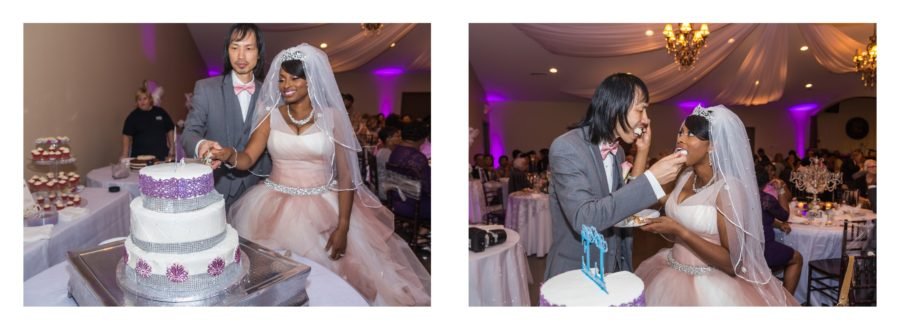
spread 16 fine as is 2016-12-31 23:12:32
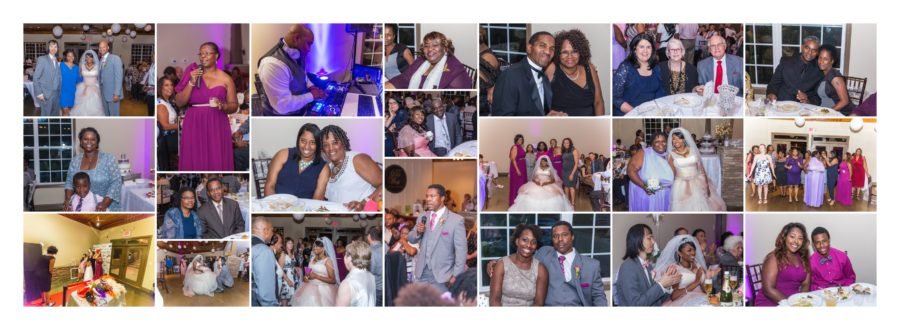
spread 17 fine as is 2016-12-31 23:11:38
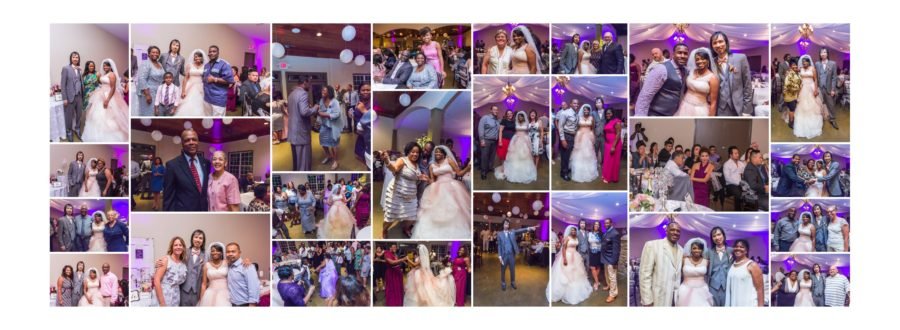
Column 2-move bottom pic to center pic in same column. Take the current center pic of column 2 and move it to column 1, 3rd pic down so it is smaller. Take the 3rd pic down on column 1 and put in column 2 as the bottom pic so it is larger.4th column-delete top pic and replace with pic 226, 5th column delete bottom pic and replace with pic 264, Column 7 swap middle photo for the bottom photo in column 8 so it is larger and put the middle photo of column 7 at the bottom of column 8 2016-12-31 23:03:27
Done! 2017-01-02 02:01:41
2 pics are in the wrong place. I believe there was a misunderstanding on some of the directions. Would you still charge to reposition 2 pics? if no charge due to misunderstanding then we Need to swap center pic on column 2 with bottom pic of column 4. otherwise album is perfect. 2017-01-05 23:07:55
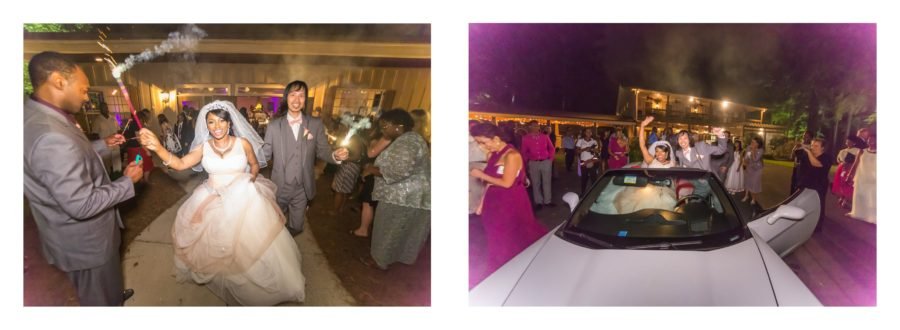
spread 19 fine as is 2016-12-31 23:10:22
|
|
|
We can still see Tommy's bald spot on this cover pic, can that be photoshopped or not? 2016-12-31 17:37:31
We remember you saying that you weren't going to photoshop 400 pictures, which is why we asked you if you could just do the ones where the photo was enlarged. You said you could and this is one of those. 2016-12-31 17:54:23
Done! 2017-01-02 02:25:30